
 Poorna Theekshana
TL;DR: From simple toasts to advanced in‑app messaging, notifications play a critical role in how users experience your app. This article breaks down eight widely used JavaScript Notification libraries across vanilla JS, React, and Vue, highlighting where each one excels and where it falls short.
Why developers still struggle with notifications
Notifications seem simple until they’re not. Poorly designed alerts can feel intrusive, inconsistent, or impossible to maintain as an app grows. Choosing the wrong library early can lock teams into UI limitations or technical debt.
That’s why developers increasingly look for notification libraries that balance:
- Flexibility without complexity.
- Clean UI without heavy configuration.
- Scalability without framework locking.
What makes this list different
The JavaScript libraries featured here reflect real‑world usage across production web apps, ranging from lightweight, framework‑agnostic tools to React‑ and Vue‑specific solutions.
Each library is evaluated based on:
- Customization and theming support.
- Framework fits and integration effort.
- Common use cases include alerts, success messages, warnings, and status updates.
Who should read this
- Front‑end developers evaluating notification libraries.
- Teams that are modernizing user‑feedback patterns in web apps.
- Developers choose between React, Vue, or vanilla JS solutions.
👉 Explore all 8 JavaScript notification libraries and see why #5 stands out!
1. SweetAlert2
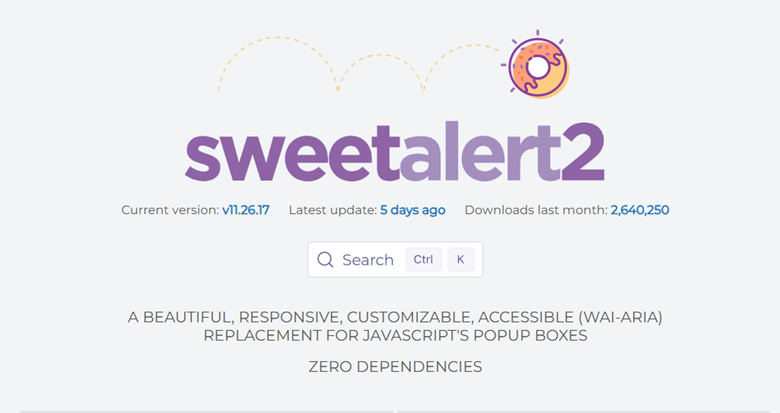
SweetAlert2 is a notification library commonly used as a replacement for the built-in browser alert function in a JavaScript app. You can include buttons and icons, alter the text’s color, and even add alerts that adjust in response to user clicks.
SweetAlert2 has over 18,000 GitHub stars and more than half a million weekly NPM downloads.
Features
- Easy setup and integration.
- Highly customizable.
- Comprehensive documentation.
- No dependencies required.
Installation
Install SweetAlert2 notifications package using NPM or Yarn as follows:
// Using NPM
npm i sweetalert2

// Using Yarn
yarn add sweetalert2
You can find a working demo of SweetAlert2 with Angular on StackBlitz.

2. React-Toastify
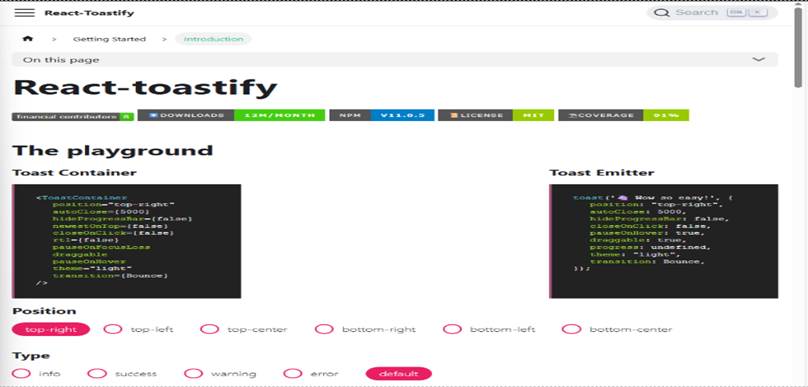
React-Toastify is a widely used toast notification library for React apps. It includes a range of useful features for developers, such as RTL support, customizable swipe direction, built-in animation types, and more.
React-Toastify has over 13,500 GitHub stars and more than 2.5 million weekly NPM downloads.
Features
- Support for right-to-left layouts.
- Multiple animation options.
- Ability to display React components inside toasts.
- Swipe-to-close functionality.
- Programmatic toast removal.
- Option to limit simultaneous toasts.
Installation
Install React-Toastify notifications package using NPM or Yarn as follows:
// Using NPM
npm i react-toastify

// Using Yarn
yarn add react-toastify
It is commonly used in React apps that require rich toast behavior and fine-grained control over display and interaction.
Also, refer to the React-Toastify demo on StackBlitz.
3. Sooner
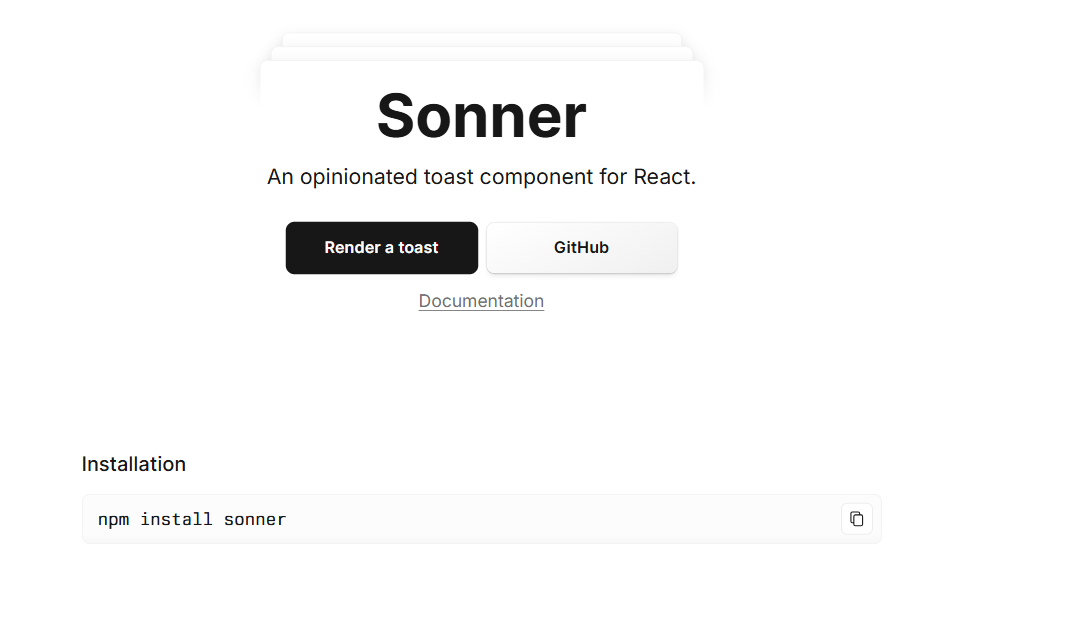
Sonner is a toast notification component for React that shows quick success, error, or loading messages without disrupting the user.
Sonner has over 11,500 GitHub stars and more than 7 million weekly NPM downloads.
Features
- Promise-based toast management.
- Expandable messages on mouse hover.
- Support for light and dark themes.
- Ability to render React components inside toasts.
Installation
Install Sonner notifications package using NPM or Yarn as follows:
// Using NPM
npm i sonner

// Using Yarn
yarn add sonner
Sonner is suited for modern React projects that prefer minimal configuration and lightweight toast notifications.
For more details, check out the Sonner demo on StackBlitz.

4. React-hot-toast

React-hot-toast is a simple notification library for React apps. It is easy to set up and keeps your app lightweight.
It has more than 10,800 GitHub stars and more than 2 million weekly NPM downloads.
Features
- Pause notifications when hovered.
- Lightweight by design.
- Customizable styling and themes.
- Promise-based toast management.
Installation
Let’s install the React-hot-toast notifications package using NPM or Yarn commands:
// Using NPM
npm i react-hot-toast

// Using Yarn
yarn add react-hot-toast
React-hot-toast works well for small to medium React apps where simplicity and bundle size are priorities.
Also, find the React-hot-toast demo on StackBlitz.
5. Syncfusion JavaScript Notifications controls
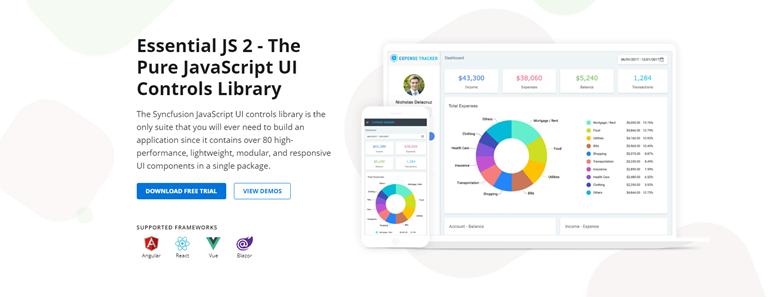
Syncfusion® JavaScript suite is a comprehensive library that provides lightweight, modular, and responsive UI components for building modern web apps. It provides multiple types of notifications, including messages, toasts, badges, skeleton, and progress bars.
Modern web technologies such as HTML5, CSS3, and TypeScript were used to develop Essential JS 2, which is compatible with widely used frameworks such as Angular, React, Vue, ASP.NET Core, ASP.NET MVC, and Blazor. They offer many customization options, enabling programmers to quickly create original, eye-catching apps.
Syncfusion JavaScript Notification Controls has more than 0.12 million weekly NPM downloads.
Features
- Wide range of UI components that allow seamless integration of notifications with enterprise-grade UI elements for consistent, full-featured apps.
- Predefined notification styles for common cases like success messages, warnings, and errors, so we can quickly recognize the message type.
- Flexible customization options for position, layout, animation, and visual theme.
- Responsive design works well on desktops, tablets, and mobile screens.
- Built-in accessibility support, including keyboard navigation and screen reader compatibility.
- Simple globalizations support multiple languages and regional formats.
- Action button supports interactive elements inside notifications, enabling quick user responses such as undo, retry, or custom clicks without extra dialogs.
- Integrated progress bar to visually indicate remaining time until auto-dismiss or operation progress during longer tasks like uploads.
Installation
Install Syncfusion JavaScript Notifications Controls package using NPM or Yarn as follows:
// Using NPM
npm i @syncfusion/ej2-notifications –save

// Using Yarn
yarn add @syncfusion/ej2-notifications
Explore our Syncfusion JavaScript Notifications documentation for step-by-step guidance and check out live examples to see key features in action.
Compared to standalone notification libraries, Syncfusion Notifications are typically chosen when teams need consistent notifications integrated into a broader, accessible, and framework-aligned UI component ecosystem.
You can find a working demo of Syncfusion JavaScript Notifications controls with Angular on StackBlitz.
6. Chakra UI Alert
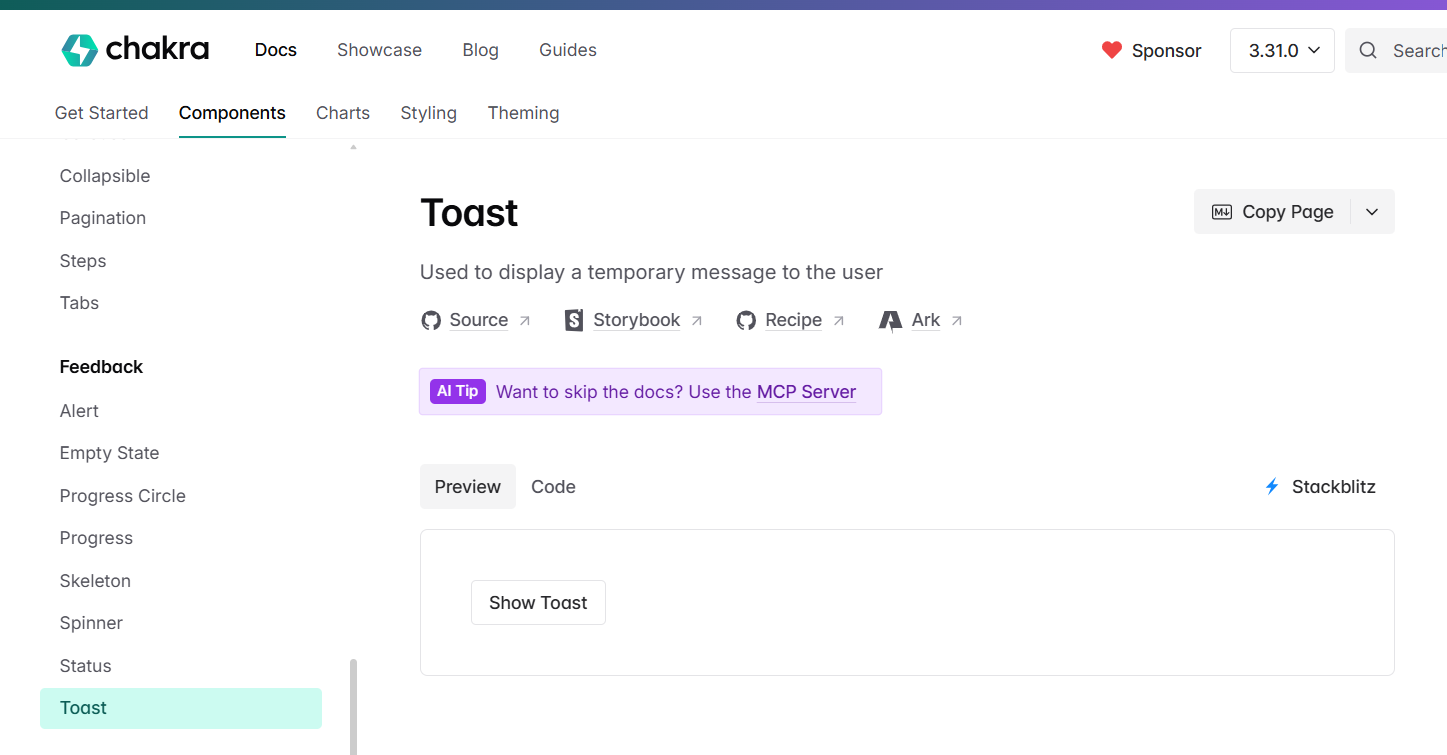
Chakra UI Alert is a modern notification library for React that provides accessible, reusable, and composable React components. It supports both light and dark themes and lets you customize any part of the notification to match your application’s style requirements.
Chakra UI Alert has over 40,000 GitHub stars and more than 300,000 weekly NPM downloads.
Features
- Composable components for flexibility.
- Optimized for light and dark color modes.
- Vibrant and active community.
Installation
Install the Chakra UI toast notifications package using NPM or Yarn as follows:
// Using NPM
npm i @chakra-ui/alert

// Using Yarn
yarn add @chakra-ui/alert
Chakra UI Alert is part of the Chakra UI component system rather than a standalone notification library, making it suitable primarily for apps already using Chakra UI.
You can find a working demo of Chakra UI Alert with React on StackBlitz.
7. Vue Toastification
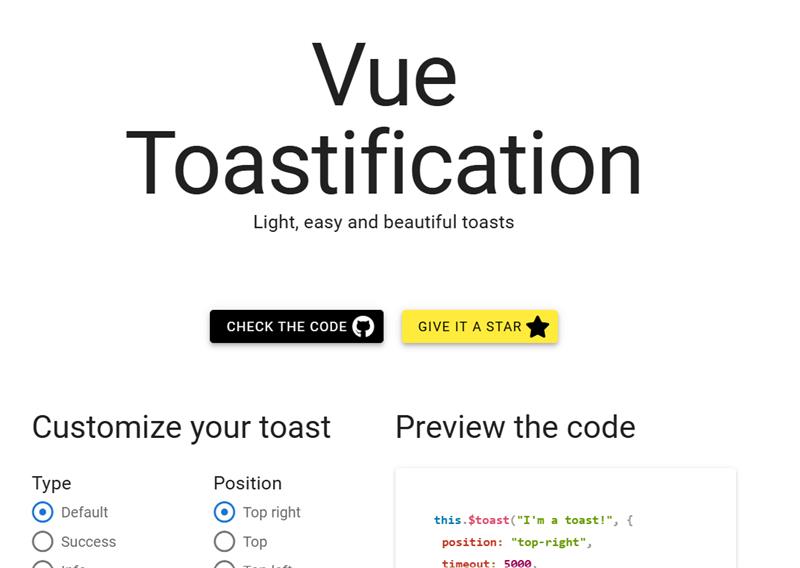
Vue Toastification is a simple, highly customizable JavaScript notification library for Vue apps. It allows you to customize multiple options, including notification type, position, content, duration, and icons.
Vue Toastification has over 3,400 GitHub stars and more than 0.1 million weekly NPM downloads.
Features
- Built-in support for Nuxt and right-to-left layouts.
- Fully written in TypeScript with full typings.
- Simple theme and animation usage.
- Option to update and remove toasts programmatically.
- Custom toast filtering, queueing, and lifecycle hooks.
Installation
Install the Vue Toastification package using NPM or Yarn as follows:
// Using NPM
npm i vue-toastification

// Using Yarn
yarn add vue-toastification
You can find a working demo of Vue Toastification with Vue on StackBlitz.
8. Notyf
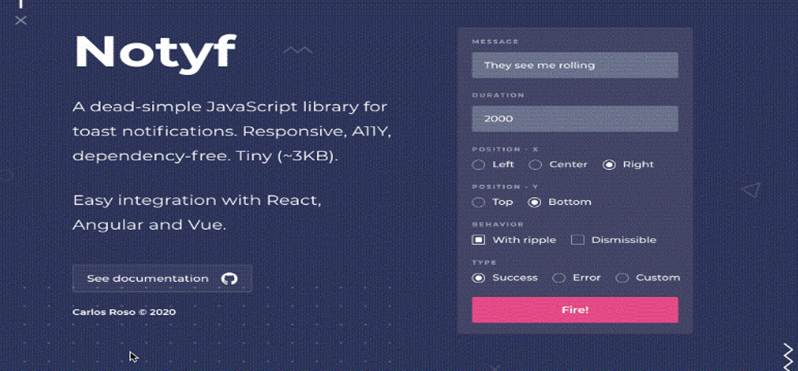
Notyf is a dependency-free notification library designed for simple use cases and small bundle sizes. It is commonly used in vanilla JavaScript projects.
Notyf has more than 2,900 GitHub stars and more than 32,000 weekly NPM downloads.
Features
- Responsive layout for multiple device types.
- Swipe-to-close support.
- Customizable position and display duration.
Installation
Install the Notyf notifications package using NPM or Yarn as follows:
// Using NPM
npm i notyf

// Using Yarn
yarn add notyf
Notyf is suited for simple, framework-agnostic projects that need lightweight notifications without advanced customization.
You can find a working demo of Notyf with Angular on StackBlitz.
Comparison table: JavaScript Notification Libraries (2026)
| Library | Primary framework | Notification types | Customization and theming | Accessibility | Best for |
| SweetAlert2 | Vanilla JS/Any | Modal alerts, confirmations | High (icons, buttons, layouts) | Partial (depends on usage) | Replacing browser alerts with rich, interactive dialogs |
| React‑Toastify | React | Toast notifications | High (animations, components, RTL) | Partial | React apps needing feature‑rich toasts and runtime control |
| Sonner | React | Toast notifications | Medium (modern defaults, themes) | Partial | Minimalist React apps with lightweight, modern toasts |
| react‑hot‑toast | React | Toast notifications | Medium (styles, basic theming) | Partial | Small–medium React apps prioritizing simplicity and bundle size |
| Syncfusion JavaScript Notifications | Angular, React, Vue, Blazor, MVC | Toasts, messages, badges, progress, skeletons | Very high (themes, layout, animations) | ✅ Full WAI‑ARIA support | Enterprise‑grade apps needing consistent, accessible UI components |
| Chakra UI Alert | React (Chakra UI) | Alerts, feedback components | Medium (via Chakra theming) | ✅ Strong | Apps already using Chakra UI as a design system |
| Vue Toastification | Vue | Toast notifications | High (themes, animations, lifecycle hooks) | Partial | Vue and Nuxt apps needing deep toast customization |
| Notyf | Vanilla JS/Any | Simple toast notifications | Low–Medium | Partial | Lightweight, framework‑agnostic projects |
Frequently Asked Questions
What is the best JavaScript notification library in 2026?
There is no single best library; it depends on your needs. Lightweight tools like Sonner or react-hot-toast work well for simple notifications. However, for production apps that need consistency, accessibility, and long-term support, Syncfusion JavaScript UI Controls is the better choice, as notifications are part of a complete, framework-ready UI component suite.
Is there a comprehensive UI suite with notification components?
Yes, Syncfusion JavaScript UI Controls provides toasts, messages, and more as part of a full enterprise-grade UI library. It supports multiple frameworks like React, Angular, and Vue, with responsive design and accessibility features.
Are Syncfusion JavaScript UI Controls only for notifications?
No. Syncfusion JavaScript UI Controls is a complete enterprise-grade UI component library with over 145 components, including various notification types (toast, message, badge, progress bar, skeleton), grids, charts, and much more.
Does Syncfusion Toast support dark mode, accessibility, and customization?
Yes, built-in themes (including dark mode via Material, Bootstrap, etc.), full WAI-ARIA accessibility (keyboard navigation, screen reader support), and extensive customization: position (built-in or custom X/Y), animations, icons, templates (React/Angular/Vue components inside toasts), duration, progress bar, and interactive elements like buttons/inputs.
Final thoughts
Thanks for reading! Notifications may feel like a small detail, but they play a major role in how users experience an application. The right notification library improves clarity, trust, and usability, while the wrong choice can introduce friction and long‑term maintenance challenges.
Syncfusion JavaScript Notifications Controls stand out by offering much more than basic toasts. They deliver accessible, responsive, and customizable notifications as part of a complete, framework‑ready UI component suite.
The Syncfusion notification library is available across multiple platforms:
| JavaScript | Angular | React | Vue |
| ASP.NET MVC | ASP.NET Core | Blazor | .NET MAUI |
| WPF | WinUI | WinForms | Flutter |
The new version of Essential Studio is available for existing customers on the license and downloads page. If you’re new, sign up for our 30-day free trial to explore our features.
If you have any questions or comments, you can contact us through our support forums, support portal, or feedback portal. We are always happy to assist you!

 No spam, just valuable updates.